

If you install WordPress and use the media uploader to manage your images in your posts – you can easily style your images quickly by adding the following code to your theme’s stylesheet.
img.alignright, img.aligncenter, img.alignleft {padding:4px;background:#efefef;border-color: #aaa #ccc #ddd #bbb;border-style: solid;border-width: 1px;}
img.alignright {float:right;margin-left:5px;}
img.alignleft, img.alignnone {float:left;margin-right:5px;}
img.aligncenter {display: block;margin-left: auto;margin-right: auto;}
This code will set up your images to float appropriately, as well as give a nice border as seen below.
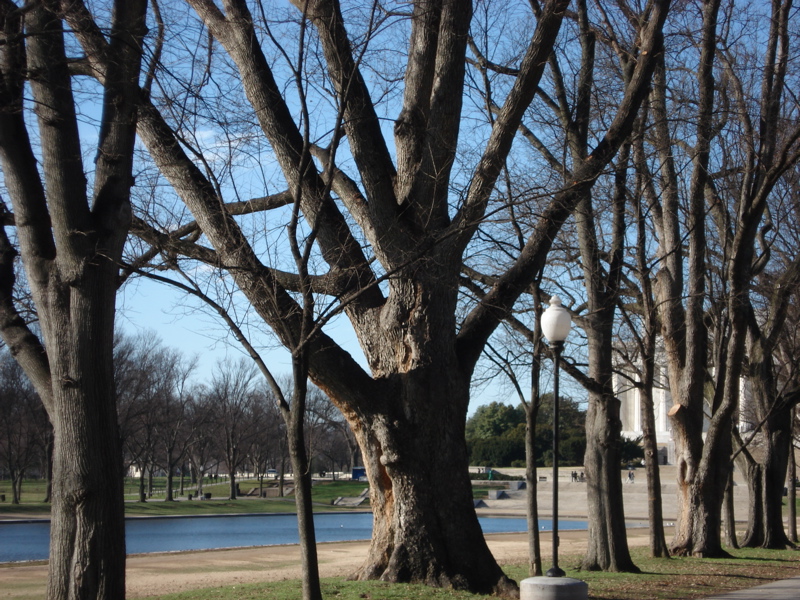
Note* This information is now updated: Updated CSS


Rasmuw Hill
I have been blogging for since january 2009 and had to learn
a lot of things through trial and error. I am currently
reading to your training blog and finding it to be very informative.
For anyone that is thinking of starting a training blog I highly recommend this is a good one.
Jennifer Zelazny
Thanks – I hope you can pick up a lot of useful info!